
FAQ7:How to download the firmware program via serial port for ECR?
read0order date2024-10-31 15:19:37
Step 1: Turn off the ECR, and then open the ECR case. Short the ISP pin on the motherboard.
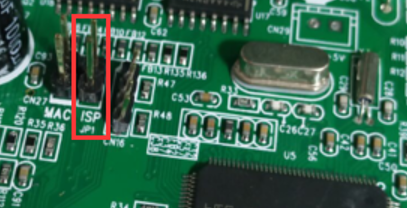
Step 2: Serial cable to connect computer and ECR. Must RS232-I or miniUSB
Step 3: Turn on the ECR with ISP shorted. (At this point, the ECR display is not lit) Run the STM on PC immediately.
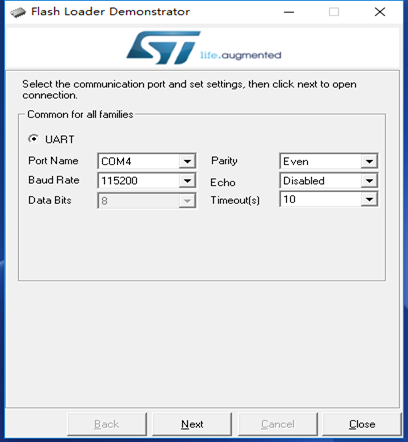
Press <NEXT>
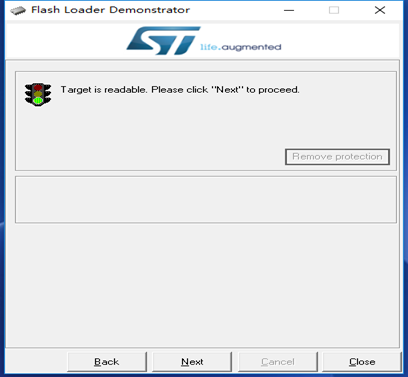
Press <NEXT>
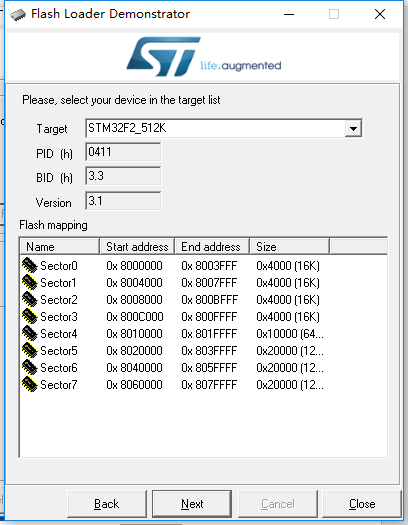
Select [STM32F2_512K],and click [Next] button
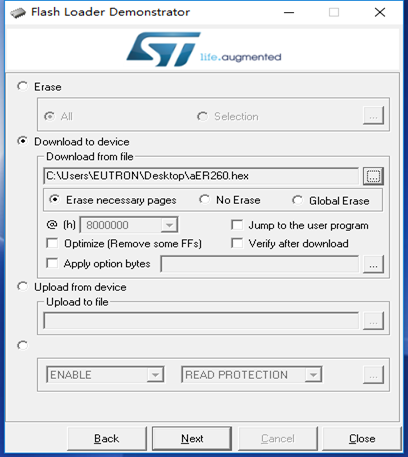
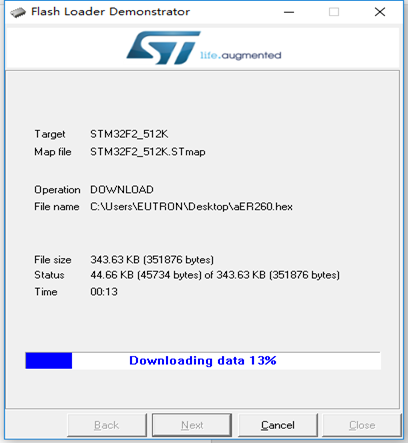
Select the target file (e.g. Aer260.hex), click [Next] button to upload the target software to ER260.
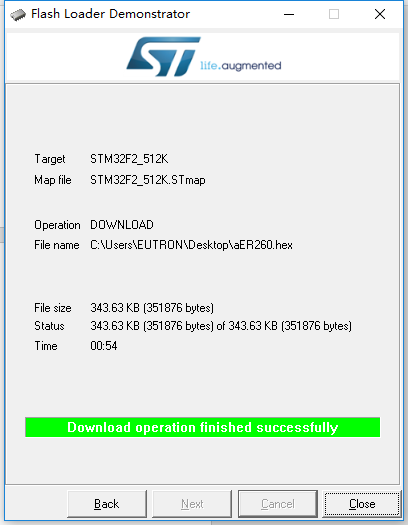
Step 4: Turn off ECR, then remove ISP shorted.
End of the update process.
previous postsFAQ6:How to download the firmware or boot program via JLink?
next chapterFAQ8: (ECRupdateIII)How to download .hex file via serial port?