
FAQ8: (ECRupdateIII)How to download .hex file via serial port?
read0order date2024-10-31 15:28:28
Take ECR-100F For example
Step 1:
Connect the computer to the cash register with serial line:
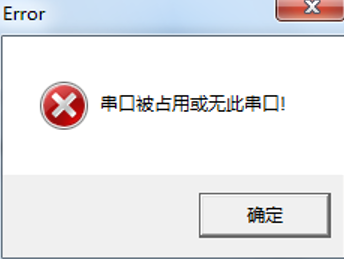
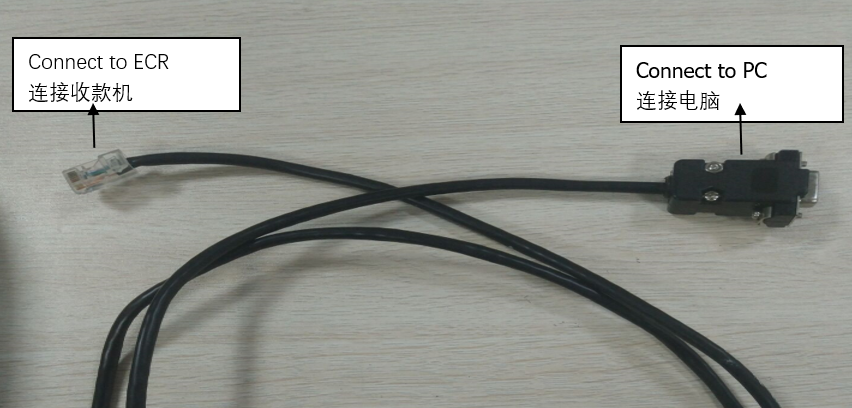 NOTE:When you do not have a serial port on your computer, the following information will be displayed when you run “Eutron Firmware Updater” .
It means is that” The serial port is occupied or does not have the serial port”
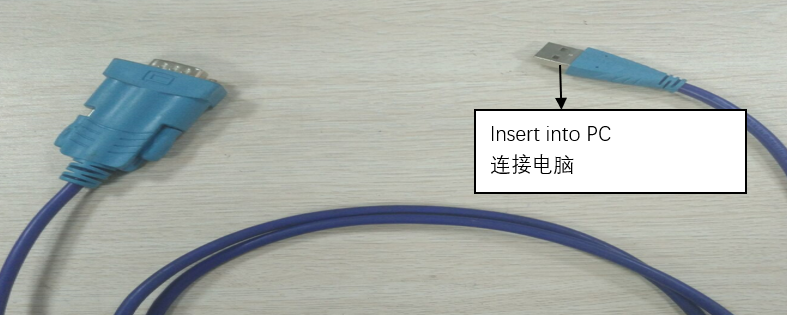
Please assist with a line as shown in the diagram:
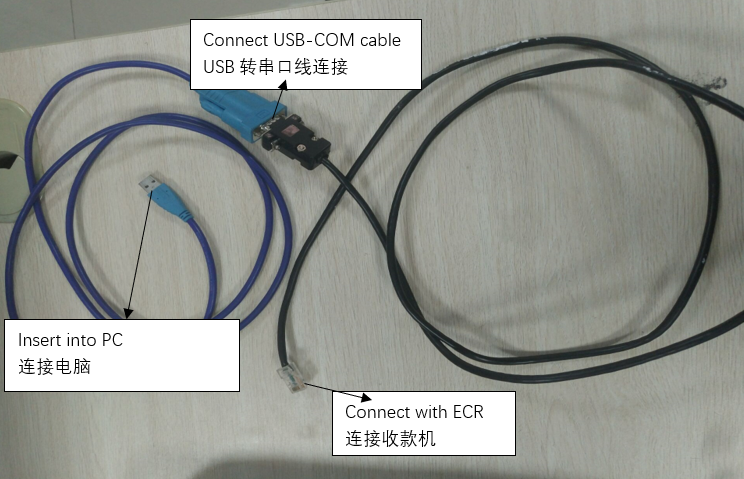
Step 2:
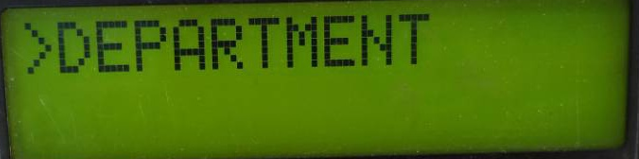
Open the cash machine and set cash register into the “PG”(PROGRAM) mode.
Step 3:
Choose serial port in the computer register attached.
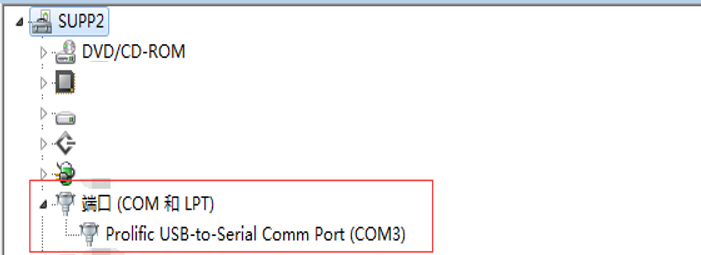
Step 4:
Run “Eutron Firmware Updater” from PC.
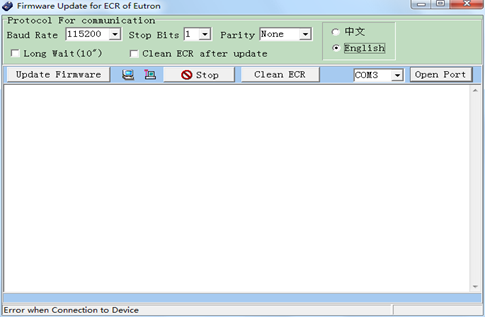
Step 5:
Click “update firmware” button, you are asked for entering an update code(generally the firmware is a hex file).
After selecting the correct firmware file, follow the prompt and choose yes each step.
Step 6:
Please do not power off the cash register or disconnect the serial connection during the upgrade process.
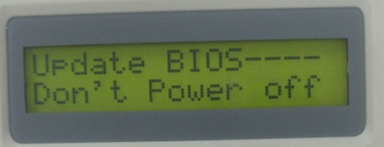
Step 7:
Upgrade finished:
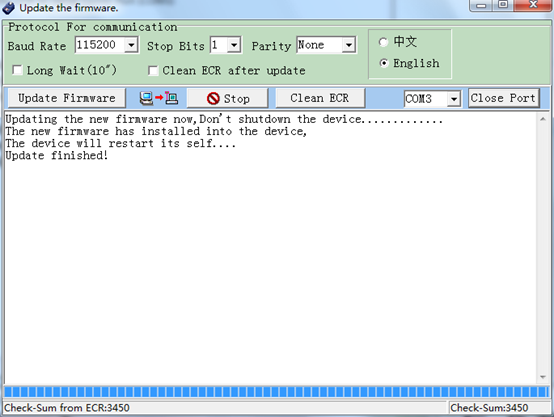
previous postsFAQ7:How to download the firmware program via serial port for ECR?
next chapterFAQ9:How to update the firmware via U disk ?